If you read our last blog, “Basic Tips for Computer Backups,” this post is a continuation that goes a little deeper
into one of the most common follow-up questions:
Should my business use a NAS or cloud storage for backups?
👉 Here's a link if you missed our last post: Basic Tips for Computer Backups
Let me start by giving a breakdown: What really Is Cloud Storage?
The cloud stores your files in a secure data center, and is accessed through a secure internet connection.
Clouds can be used for:
- Microsoft 365 or Google Workspace files
- shared office documents
- backups
- remote work access
- collaboration between employees
The biggest advantage is simple — your data lives somewhere else.
So if a computer crashes, a server fails, or your office loses power, your files are still safe and accessible from another location.
Why Businesses Choose Cloud Storage
- Your files are, accessible from anywhere
- You can set up automatic syncing and backups
- There is minimal hardware to maintain
- It often has built-in offsite protection of files
- Can create easier team collaboration
Cloud storage is a great fit for businesses that want a low-maintenance and reliable solution for everyday file access and protection.
Now, What Is a NAS?
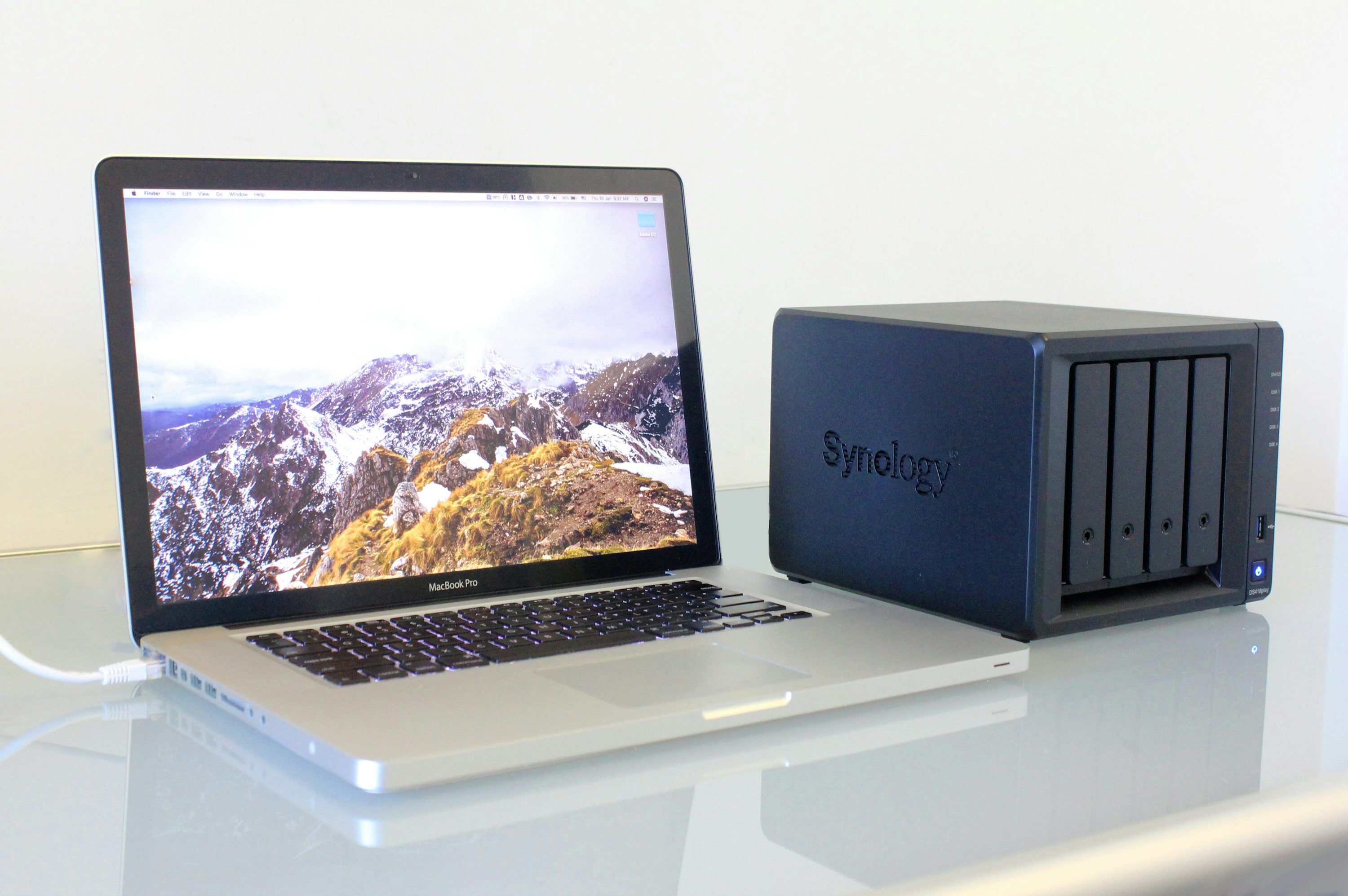
NAS stands for Network Attached Storage. It is a dedicated storage device that can automatically back up your business computers and
hold your files in one organized location. Often times this physical device is stored within your businesses network closet.
Think of it like a private backup system designed specifically for you.
Instead of relying entirely on the internet or a large cloud provider, a NAS gives your business a controlled storage environment managed by your IT provider. Someone that you can trust and get a hold of quickly when disaster strikes.
Why Small Businesses Use NAS
- It creates fast and reliable backups
- shares files over your secured network
- offers quick file recovery
- becomes a centralized storage
- Has reliable performance
- and gives you full control over backup systems
NAS systems are especially useful when downtime matters and recovery speed is important.
If a computer fails, files can usually be restored quickly without waiting for large internet downloads.
Onsite NAS vs Offsite NAS
NAS systems become much more powerful when they are used in layers.
Onsite NAS
An onsite NAS sits in your building and backs up computers automatically.
This helps with issues like:
- computer crashes
- accidental file deletion
- software problems
- hardware failure
The biggest advantage is speed.
Files and systems can often be restored quicker when files are local, which keeps downtime low and employees working.
The main limitation is that it still lives in your building, which means it should always be paired with a form of offsite protection.
Offsite NAS
An offsite NAS stores a second copy of your data in another secure location away from your building.
This protects your business from larger issues like:
- storms and power damage
- fire or theft
- ransomware
- major hardware failure
- building-wide outages
An offsite NAS creates a safety net by making sure your data exists somewhere outside your office while still being managed and monitored by your trusted IT professional.
This gives you cloud-like protection with more structured backup control.
The importance being protection against natural disasters and other uncontrollable events that could lead to your Onsite NAS being inoperable/damaged.
NAS vs Cloud: What’s the Real Difference?
The difference between NAS and cloud storage mostly comes down to control, speed, and management.
Cloud Storage
- is managed by a provider like Google or Microsoft
- is stored in secure data centers
- is accessible from anywhere that you have a secure internet connection
- is minimal maintenance
- depends on internet speed for recovery
NAS Storage
- is managed by your trusted IT provider
- can give remote access to your files
- is stored on dedicated hardware; in one or two locations
- has faster backup and recovery
- gives more control over your data
- does require monitoring and setup
Conclusion: the Cloud is more hands-off, while a NAS focuses on performance and fast recovery.
Both solve different problems, which is why so many businesses use them together.
Should a Small Business Use NAS or Cloud?
For most small businesses, the best solution is not choosing one over the other.
It’s using two, or even all three, in a layered system.
A common setup looks like:
- Onsite NAS for fast local backups, shared files and recovery
- Offsite NAS or Cloud for disaster protection
- Cloud storage for shared files, remote access, and extra insurance.
This creates a balanced system where your business is protected from both small everyday issues and major unexpected events.
That’s the goal.
we could say;
NAS and Cloud storage are not competing solutions — they work best when they support each other.
When combined, they create a strong storage and backup system that helps keep your business running no matter what happens.
And that’s really what good IT planning is all about — reducing downtime, protecting data, and giving business owners peace of mind.